Write a resource description that answers every buyer's question
Updated November 12, 2026·3 min read
Four short sections that answer what buyers really want to know.

A good description stops buyers from guessing. Use these four sections, in this order.
1. What it is (one sentence)
"Twenty short-vowel word sorts with picture support for kindergarten and grade 1."
2. Who it's for
Grade or age, skill level, and setting — classroom, small group, home or therapy.
3. What's inside
A plain list. Page count, number of cards, answer keys, colour and black-and-white versions.
4. How to use it
Two or three sentences. "Print, cut and sort. Works as a centre, morning work or homework."
Skip
Long stories, all-caps, and promises you can't measure ("guaranteed to improve reading!"). Let the preview pages do the convincing.
Add previews
Show a few real pages. Buyers trust what they can see.
Explain what is not included
A short limitations note can prevent a disappointing purchase. If the resource requires scissors, dice, a particular book or a separate presentation app, say so before the buyer reaches the end of the description.
Be equally clear about editing. “PDF” does not tell every buyer whether they can type into the pages or change the wording. Say “printable PDF; text is not editable” if that describes your file. If you offer editable parts, identify exactly which parts they can change and what software is required.
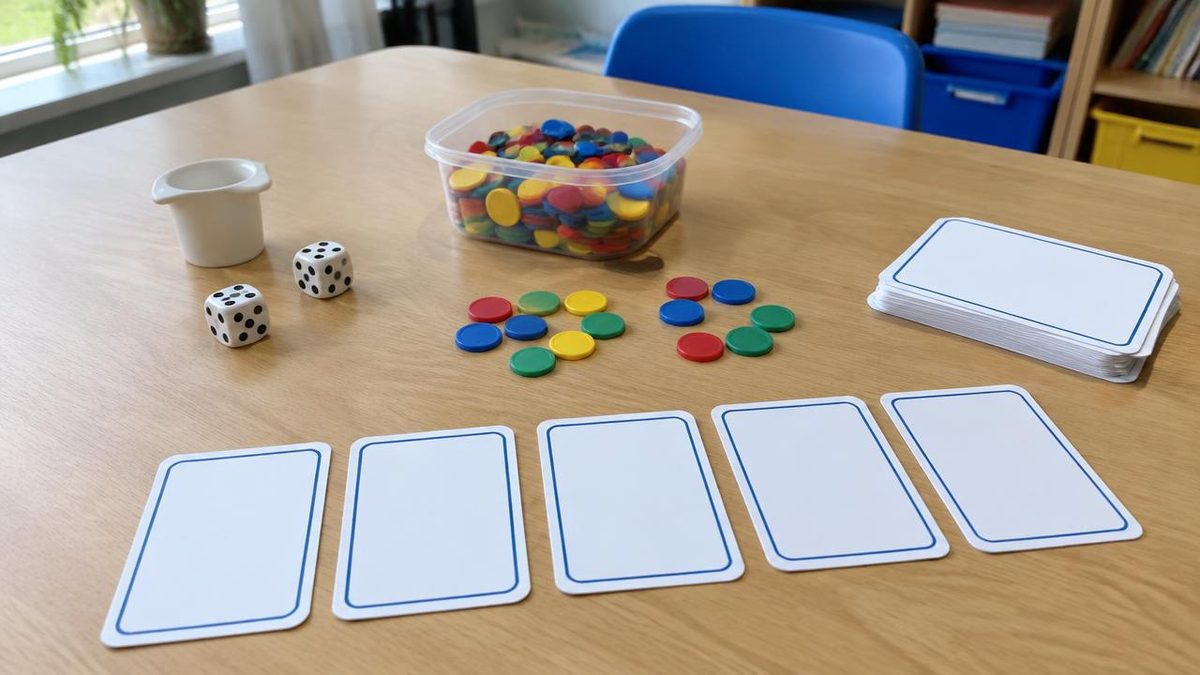
Avoid implying that classroom photographs show everything included. If a preview uses counters, storage boxes or decorative props, explain that those items are not supplied.
Separate the file count from the activity count
Page totals can be misleading when they combine colour duplicates, answer keys and teaching notes. Break the contents into meaningful groups so buyers can judge the actual activities.
For a fictional sorting pack, a clear breakdown might be:
- Six sorting mats.
- Two pages of picture cards.
- Matching black-and-white versions of those eight pages.
- Two pages of answers and adult instructions.
That is more informative than a large page total on its own. Use the real numbers from your finished file, and update the description if the contents change.
Show one realistic use case
Replace a string of settings with a short example. Instead of saying “great for home, school, centres and intervention”, explain how one adult might prepare and use it.
For example: “Print one mat per pair and cut out the picture cards. Children sort the pictures by initial sound, then explain one choice to a partner. Keep the answer page available for an adult check.”
That example communicates preparation, grouping and the task itself without promising a learning result. If there is another genuinely different way to use the resource, add it briefly rather than listing every possible occasion.
Check the promises against the actual file
Before publishing, open the finished download beside your description. Can you find every item you say is included? Do the sample pages show the current version? Are the required supplies and preparation steps accurate?
Read the description aloud once. Remove repeated praise and replace vague terms such as “easy” with the detail behind them: no cutting, one page per child or directions included.
Finally, consult the buyer licence rather than improvising conflicting usage rules. Clear descriptions cover both the practical activity and the buyer's expectations. They help people decide whether this particular resource fits their needs, not simply whether it sounds appealing.
---
Make something that helps children learn? Start selling on Learning Kindred — you set your prices, keep your rights and can keep selling everywhere else.