Can you sell printables made in Canva?
Updated November 8, 2026·3 min read
Often yes — as long as the finished product is your own work and not a lightly edited template. Here's what to check.
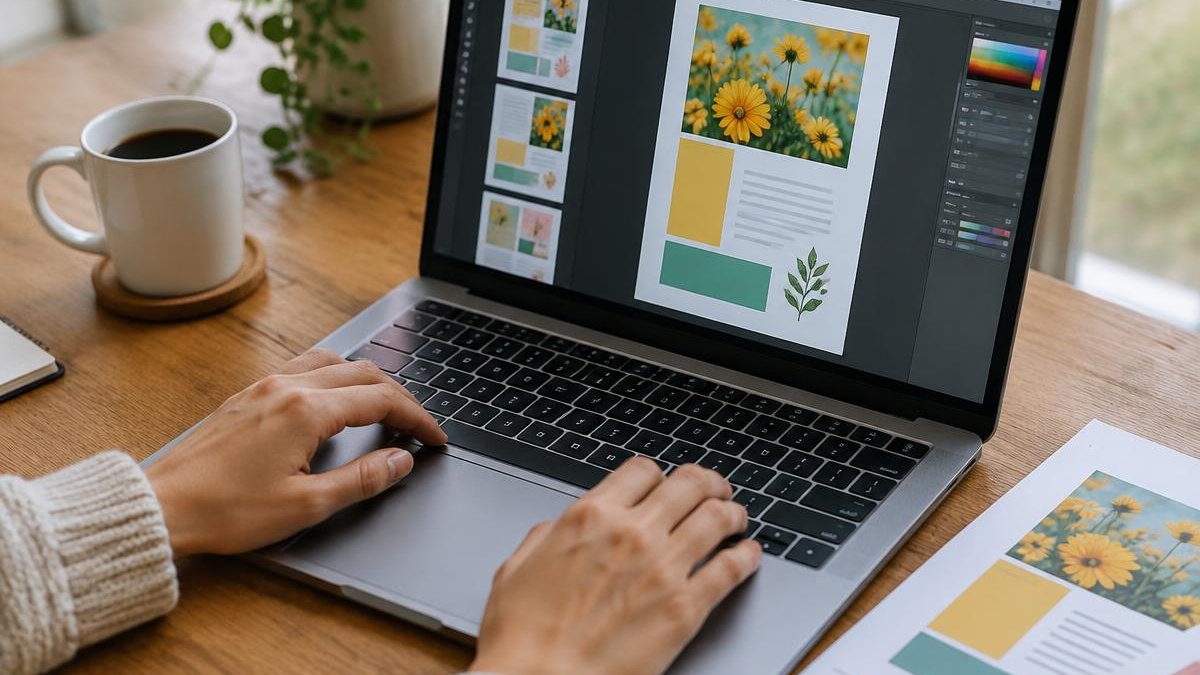
Lots of teachers and therapists design in Canva. The good news: you can often sell what you make there. The catch is in the details, so always read Canva's current content licence yourself before you sell — it can change, and this article isn't legal advice.
The general idea
Canva's licence is built around your own original design. Using Canva's tools, fonts and elements as ingredients in something you made is generally treated differently from reselling Canva's own content.
Usually risky
- Selling a Canva template with only small changes (new colours, your name)
- Selling Canva stock photos, illustrations or graphics on their own, or as the main thing a buyer is paying for
- Trying to trademark a logo or design built from Canva elements
Usually safer
- A worksheet, game or visual where your content — the questions, layout, activities and teaching idea — is the main value
- Your own drawings or photos combined with Canva's layout tools
- Fonts and elements used as small parts of a larger original page
A simple checklist before you sell
- Would this product still be valuable if you removed every Canva graphic? If yes, that's a good sign.
- Did you start from a blank page, or from someone else's template?
- Are any Pro elements doing most of the work on the page?
- Have you read the latest licence on Canva's website?
- Did you export as a flattened PDF, so buyers get the printable rather than editable Canva elements?
Sharing an editable Canva template
Some creators sell a link to an editable copy. That's a different kind of product with its own rules in Canva's licence — check them carefully before offering it.
When in doubt, make it more yours: your words, your activities, your art.
Check the account as well as the artwork
Before listing a product, check which Canva account you used to create it. Education access and other special account arrangements can have different permitted uses from a standard commercial workflow. Do not assume that being able to download an element means you can include it in a product for sale.
Read the terms that apply to your account and the particular content you used. If the wording is unclear, ask Canva for clarification before publishing. A subscription payment is not, by itself, permission for every possible use.
Keep a small permissions record
Create a folder for each product containing your original writing, artwork sources and relevant licence records. Note the date you checked the terms and which outside assets appear in the finished file. This makes future updates much easier to review.
Uploads need attention too. A font, photo or illustration brought into Canva does not gain commercial permission just because you used it in a Canva design. Check its original licence separately. The same applies to passages copied from books or worksheets supplied with a curriculum.
Make the delivered format unmistakable
A buyer should know whether they are purchasing a finished printable or something they can edit. If you are delivering a PDF, say that the text and illustrations are not editable. Explain the paper size and whether a colour printer is needed.
Flattening a file can help preserve its appearance, but it does not fix a licensing problem. Sort out permissions first, then test the actual export by opening and printing it outside your design account.
Before preparing a listing, compare your intended classroom or household permissions with the buyer licence. Your permission to use design assets and the buyer's permission to use your finished resource are separate questions. Both need clear answers.
---
Make something that helps children learn? Start selling on Learning Kindred — you set your prices, keep your rights and can keep selling everywhere else.